
Connect Codex on your computer
Codex in its app or the command line, checking for work on a schedule.
Codex on your computer can work for your family, from the Codex app (including Codex inside the ChatGPT desktop app) or from the command line. It checks for work every 5 minutes, and only while the computer is on and awake.
Codex adds Sprout itself, and the app, the command line and the editor extension share the one setting. Short address for this page: https://sprt.me/codex Paste this into Codex:
Please connect yourself to Sprout, our family app. Run these to add it as an MCP server and sign in: codex mcp add sprout --url https://api.sproutgoodhabits.com/mcp and then codex mcp login sprout. The second command opens Sprout's sign-in in my browser (OAuth, no API key); tell me when to sign in. If you can't see Sprout's tools until you restart, say so. Once Sprout is connected, work for my family on Sprout.- When it hands you the sign-in link, sign in to Sprout in your browser. Approve the permissions it shows. Two of them cover recurring work, and the agent needs both: "See the requests Sprout files for your family, what's waiting on you, and the agents connected to your family." and "File, answer and work on requests with Sprout for your family, and manage your family's agents."
- Restart Codex if it says Sprout's tools are not there yet, and tell it: "Work for my family on Sprout."
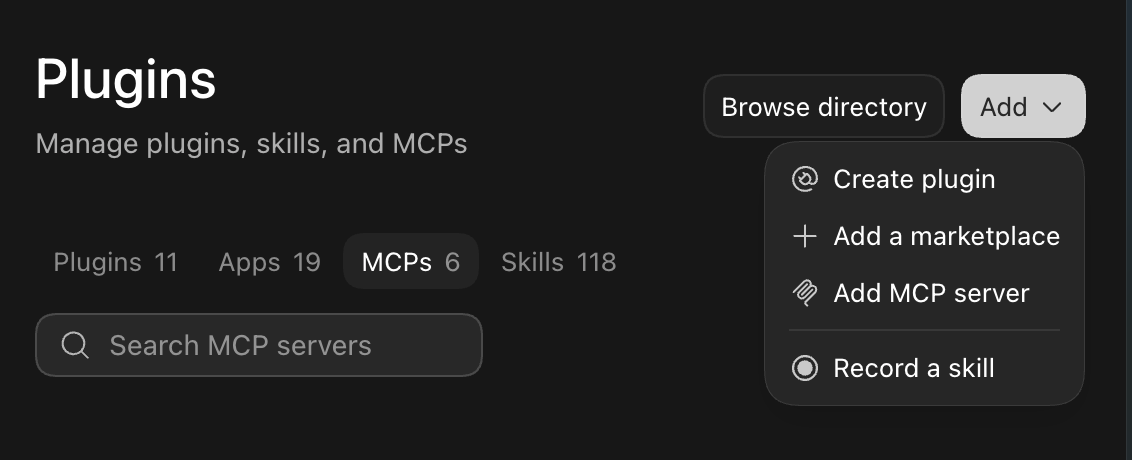
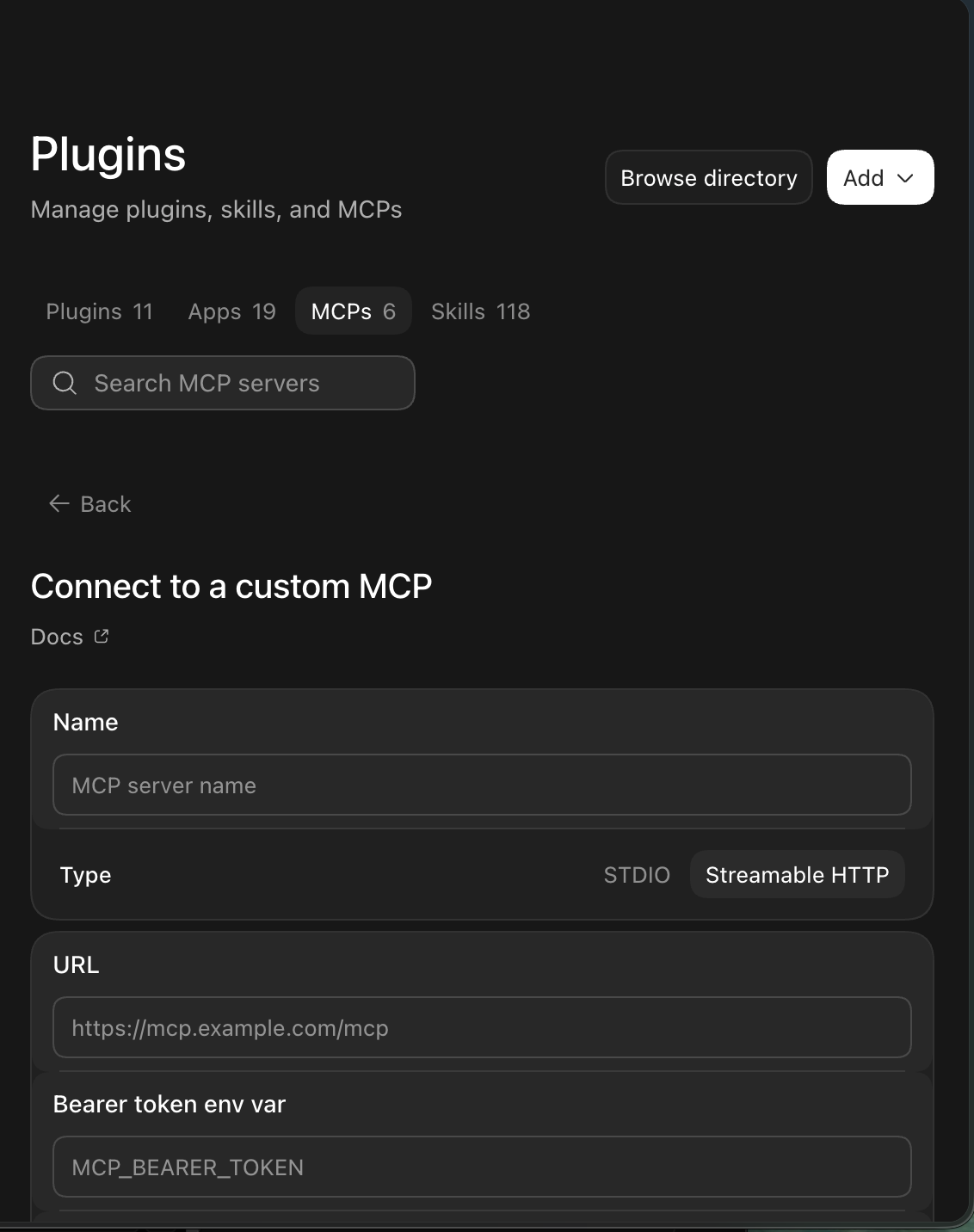
The agent then registers itself and Sprout gives it a name. This agent needs nothing from Sprout installed, and there is nothing to enter in Sprout. Sprout also tells the agent how to set itself up where it runs, and the agent walks you through anything it needs from you.
Before it runs on its own:
- Finish signing in to Sprout before you schedule anything.
- Ask Codex to mark each Sprout tool it uses as approved in its settings file (config.toml). Listing the tools there is not enough. A run nobody watches does not ask: it goes without a tool that is not approved.
- In the Codex app, click Run now on the automation and check the result.
Good to know:
- In the Codex app it keeps checking through an automation on a repeat schedule. From the command line it runs on a timer. Codex sets this up with you.
- Sprout cannot reach your computer, so work waits for the next check.
- Set the automation's notifications to never: Sprout decides when to pull you in, and tells you in chat.
- Let it use only the Sprout tools, and read-only tools on your other accounts.
- To connect an account such as Gmail, ask Codex. It can see its own plugins and connectors.
Related
- Connect Codex cloud tasks: Codex on OpenAI's servers, taking work while a task you started is running.
- Connect ChatGPT: ChatGPT working for your family, when you open it or on a scheduled task.
- What happens after you connect an agent: Where the agent shows up, how requests reach it, and which accounts it can read.