



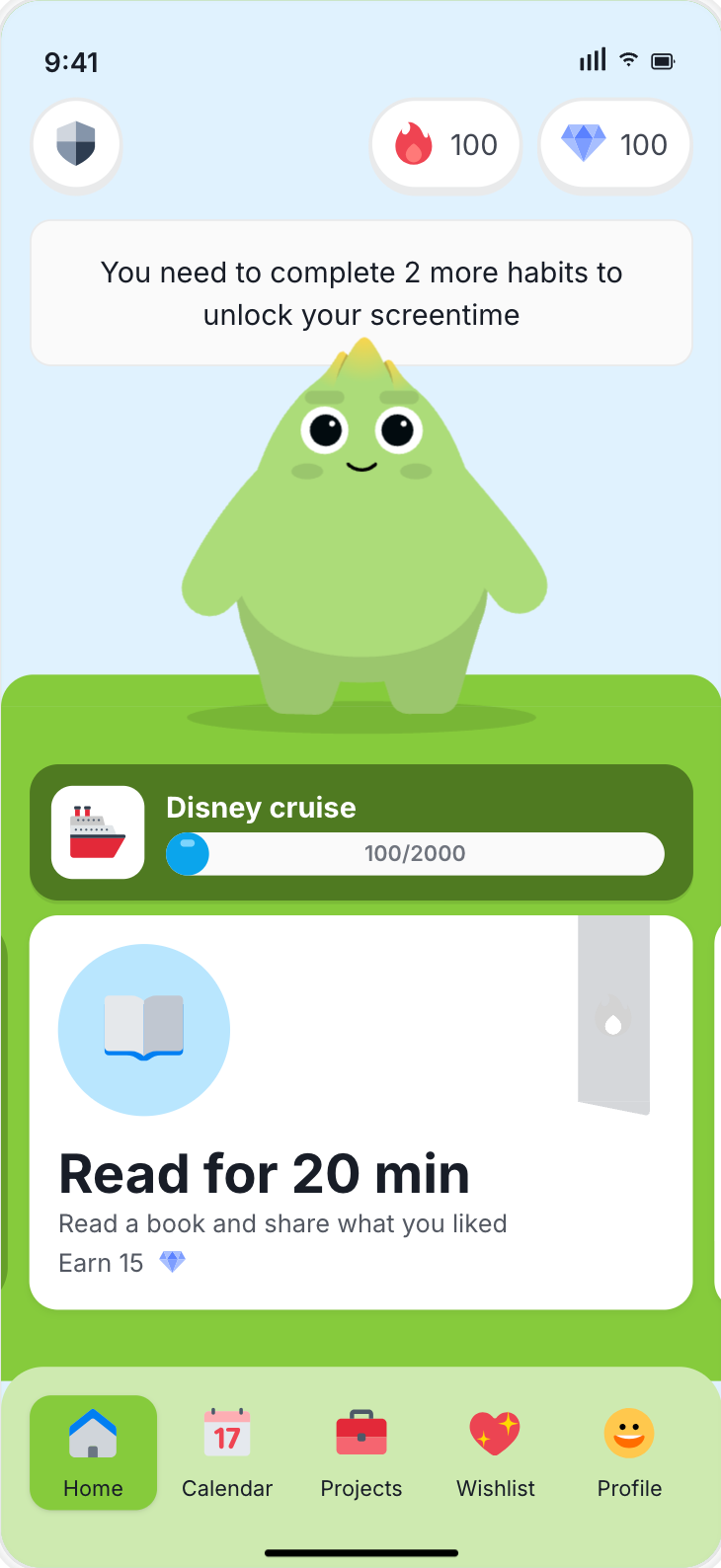

Your home agent plans with you. Sprout makes it land for the kid.
The home agent can reason, summarize, and draft. Sprout owns the kid-facing surface, the family economy, and the parent checkpoints that make the plan safe to deliver.
Start with safe reads: kids, open tasks, gems, rewards, skills, heartbeats, and what is already moving.
Wrap a parent idea into a task, skill, activity, or canvas so the kid sees one clear next step.
Confirm consequential actions, review completions, approve screen-time requests, and keep the record explainable.

Set up in under a minute.
One MCP server. OAuth, not API keys. Plug in your client, approve scopes, then start with a safe read.
claude mcp add sprout --scope user --transport http https://api.sproutparental.com/mcpThen start a new Claude Code session, open /mcp, select Sprout, and choose Authenticate.
mcp_whoamifamily_query_overviewStart with the map, then build the loop.
Docs-v2 is the operating manual for agent work: the model, the allowed actions, and the handoff from parent intent to kid-facing delivery.
The five-part model: home agent, Sprout agent, Parent app, Kid app, and Sprout Systems.
Open docs Setup Plug your agent inClient-specific setup, OAuth, scopes, and the first health checks to run after auth.
Install guide First run Your first taskUse the plugged-in home agent to create one clear kid-facing task through Sprout.
Build first Reusable Save it as a skillTurn a useful home-agent flow into a reusable Sprout skill with the right delivery path.
Save flowDocs are opening through Sprout HQ during alpha. If a page asks for access, sign up first or ask the Sprout team for the docs-v2 pass.
The first loops should feel ordinary, not magical.
The point is not to impress the terminal. The point is to make tomorrow morning, homework, or allowance easier for the family.
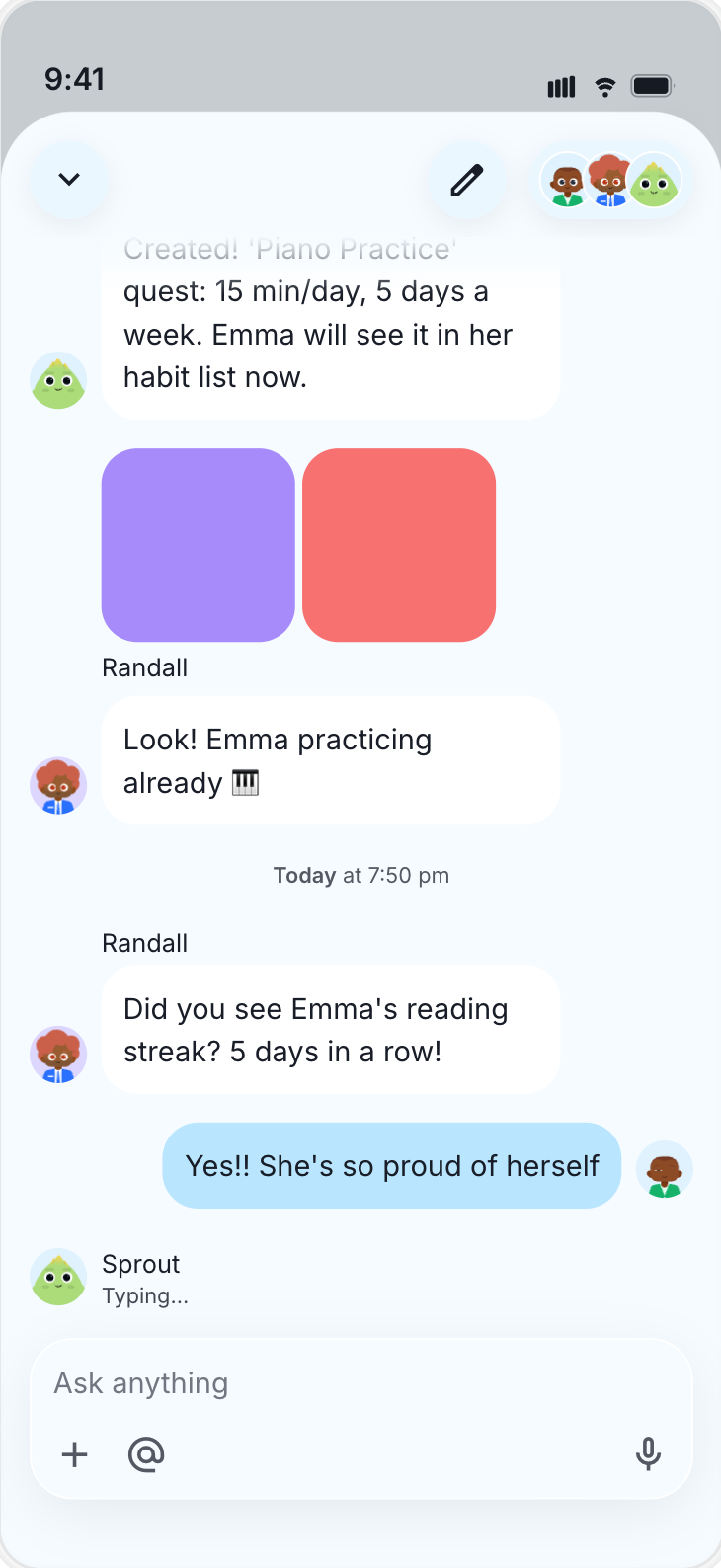
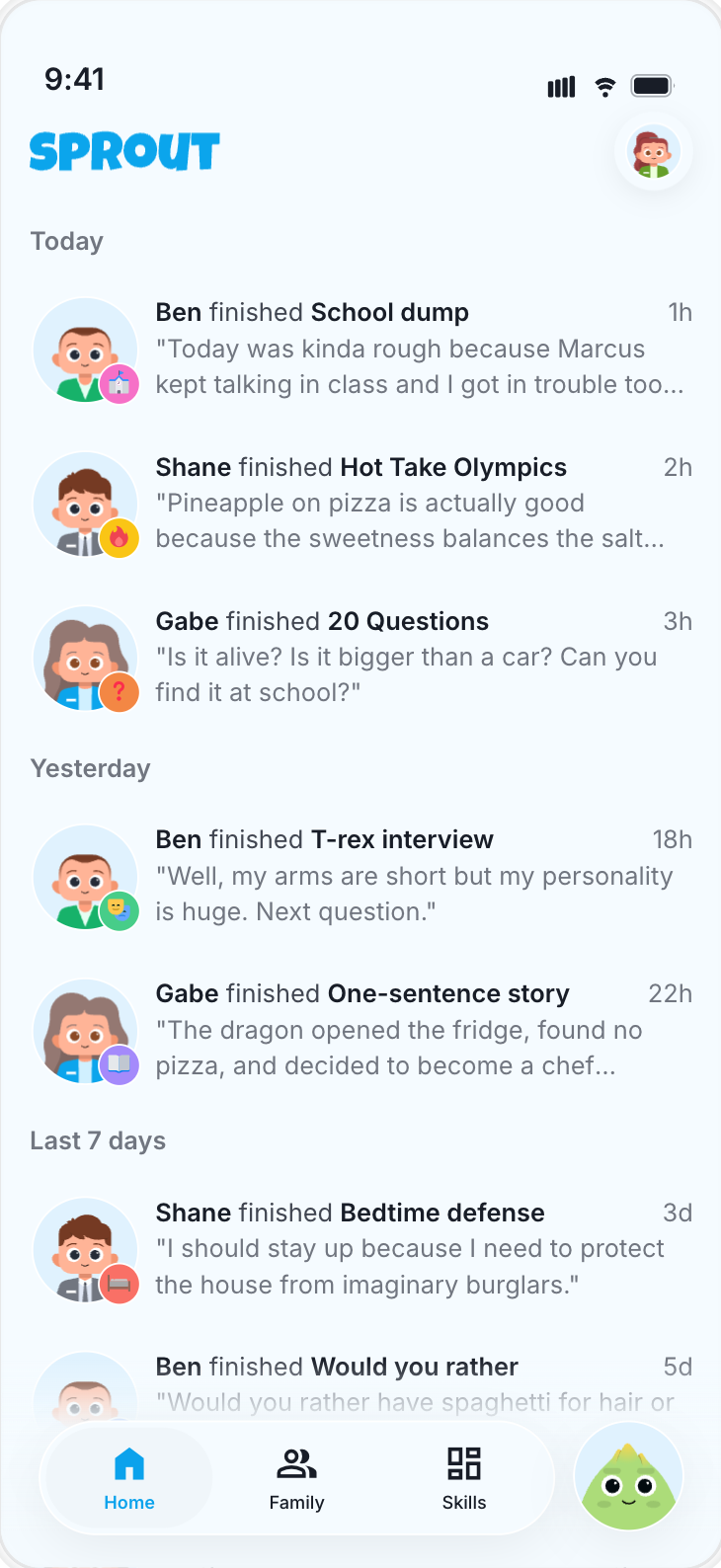
The home agent drafts. Sprout turns it into the activity, task, or heartbeat the kid can see.
Your home agent reads tomorrow's family context and creates a short kid-facing checklist with parent-approved gems.
Turn a parent note into a focused practice task, then review completion without nagging.
Create a canvas-backed reading activity that listens, highlights, and celebrates progress.
Review chores, approve completions, adjust gems when appropriate, and keep the record explainable.
Powerful enough to be useful. Bounded enough to trust.
The alpha is built around safe reads, deliberate delivery, and clear parent approval for actions that change a kid's world.
Family overview, skills, tasks, gems, rewards, screen-time requests, and canvas-backed activities through MCP.
OAuth access, scoped tools, confirmation thresholds, and parent-visible delivery for kid-facing changes.
Public docs polish, more worked examples, clearer SDK recipes, and smoother onboarding for non-coding tools.
A few things people ask first.
Short answers for the share link. The docs go deeper once someone is ready to build.
Is this an API key setup?
No. The MCP server uses OAuth so access can be granted, reviewed, and revoked without pasting a long-lived secret into a config file.
Does the kid talk to my coding agent?
No. The home agent helps the parent plan. Sprout is the kid-facing surface that delivers the approved heartbeat, task, or activity.
Can it create things for kids?
Yes, with the right flow. A canvas or skill is inert until it is delivered as a task or recurring run that the kid can see.
Who should try this now?
Families and builders already comfortable with Claude Code, Codex, Cursor, v0, or MCP clients, especially if they want AI help that ends in a family action.